First, install Lotus Domino 8.5.2 and configure the server ( consider using 'More name variations with lower security' on the traveler server, I ran into some issues logging in using 'Fewer name variations with higher security'). Next install traveler 8.5.2. Next shut down Lotus Domino and install the Android traveler beta ( I am using code drop 1 ) by unpacking the files and copying them to the correct location according to the readme.txt:
The following files are copied from the zip to the domino server:
readme.txt
domino/html/traveler/LotusInstaller/LotusInstall.apk
domino/html/traveler/LotusTraveler/android/LotusTraveler.apk
traveler/cfg/client/VersionInfoExt.txt
Next append the text in versioninfoex.txt to versioninfo.txt file under /traveler/cfg/client/.
Start Lotus Domino.
First we need to download the Lotus Installer software on the Android device.
Note: traveler.theozzyblogger.com url will not work because I used it as an internal server and domain.
Go to the browser and type http://servername.com/servlet/traveler
Next Click on 'Configure your Android'

Next click on 'Menu' -> 'More' -> Downloads


Click on the LotusInstaller.apk to launch

If you do not have allow installation of application from unknown sources, you will get the following screen. Click Ok

Next check the Unknown sources and click ok to the popup message


Now go back to the downloads page and click on the LotusInstaller.apk again

Next click Install

Then you will see the Application installed. Click 'Open'

On the next screen, click 'Agree'

Next click 'Next'

Next input the traveler server name and user name and password and click 'Next'

Next there is a screen that says 'preparing to download'

However, this will never complete and the android traveler install will never download. So to get around this you have to hit the back button and open the browser and launch the apk installer from the browser url to download it. The url is:
http://servername.com/traveler/LotusTraveler/android/LotusTraveler.apk

Once downloaded, click on 'Menu' -> 'More' -> 'Downloads'. Next click on LotusTraveler.apk to install.

Click 'Install'

Click 'Open'

Input the user name, password, and traveler server name ( I had an issue with user name ozzy blogger, the keyboard does not allow a space but puts an underscore. I had to change the server security to more name variations and used the short name ozzyblogger ) Click 'Next'

Since I do not want my contact from Lotus Notes to be added to my phone, I uncheck Sync Contacts. Click 'Finish'

Click 'Ok'
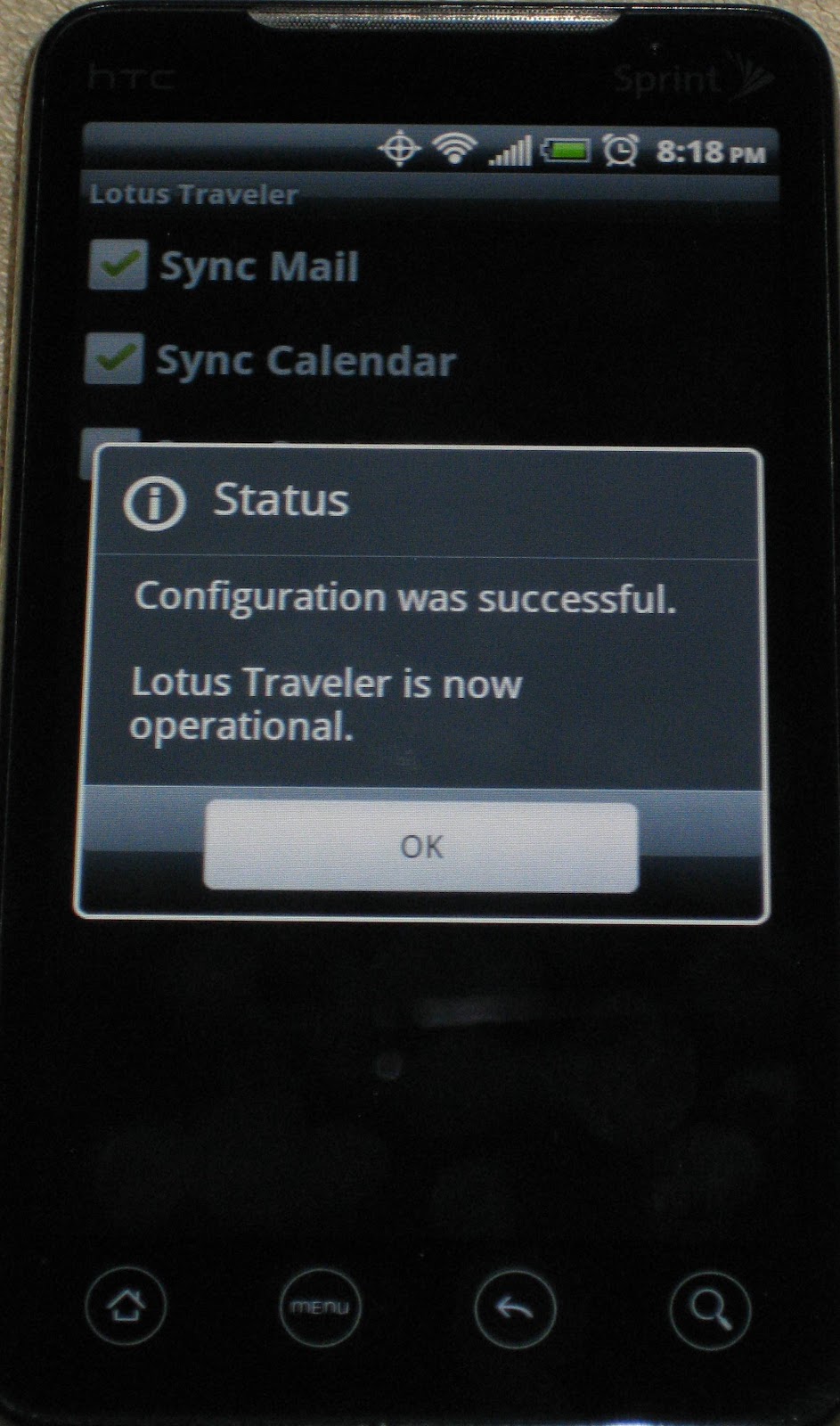
And that is it, the android beta traveler is running on Lotus Domino 8.5.2.
